
Using Slipcrate
Getting Started with Slipcrate
A quick guide to tracking your first warranties with Slipcrate — scan a receipt, review the details, and let your Google Calendar handle the reminders.
On this page
Welcome to Slipcrate. This guide walks you through tracking your first few warranties — it takes about two minutes.
Step 1: Open Slipcrate in your browser
Slipcrate runs in any modern browser on your phone, tablet, or computer — no download required. Sign in with Google and you're ready to go. (There are no dedicated App Store or Play Store apps yet; the web app is the way in.)
Step 2: Scan your first receipt
Adding a warranty starts with a photo:
- Snap a picture of the receipt
- Slipcrate's AI reads the brand, product, purchase date, and warranty length
- The fields come back pre-filled for you to check
You don't have to type the details in — but you do get the final say on them.
Step 3: Review and save
This is the important bit. The AI gets most receipts right, but it isn't infallible — a faded line or an unusual format can trip it up. Give the extracted fields a quick look, fix anything that's off, and save. The warranty joins your list with its status tracked and the original receipt attached.
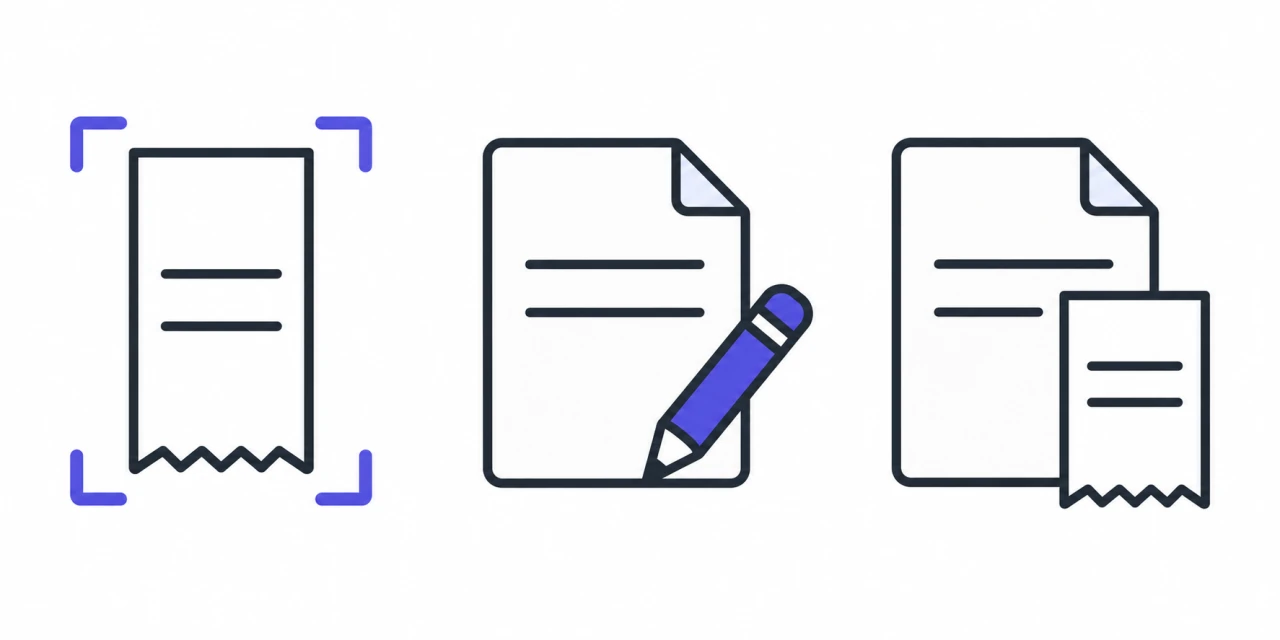
- Scan receipt
- Review details
- Save record
Step 4: Organize by category
Group your warranties so they're easy to find later. Slipcrate's categories cover the things most people buy:
- Electronics
- Appliances
- Automotive
- Tools
- Home & Garden
- Gaming
- Sports
- Other
Step 5: Turn on calendar reminders (optional)
If you'd like a nudge before coverage ends, connect your Google Calendar. Slipcrate adds each warranty's expiry as an event with reminders 30, 15, 7, and 1 day before it ends. Reminders are delivered by Google Calendar, and the connection is entirely optional — it only touches the events Slipcrate creates, and you can disconnect anytime.
A few habits that help
- Scan at the point of purchase. The fresher the receipt, the cleaner the scan.
- Review before you save. Ten seconds now beats a wrong date later.
- Export when you need a backup. You can download all your warranties to CSV anytime — your records are yours.
That's it. Once a few warranties are in, you'll always know what's still covered and when it runs out.
Want the full picture of what Slipcrate does? See the warranty tracker overview, or read five essential warranty tips.
Keep reading
How to Add Slipcrate to Your Home Screen (No App Store Needed)
Slipcrate is a web app, so there's nothing to download from an app store. Here's how to add a one-tap shortcut to your phone, tablet, or desktop in under a minute.
May 28, 2025 · 2 min readReceipts & retailersHow to Keep Receipts From Fading: 7 Ways to Preserve Them
Thermal receipts fade because the print is made with heat, not ink. Here are seven ways to slow the fading, plus the one fix that makes a receipt last for good.
Oct 11, 2026 · 5 min readReceipts & retailersIRS Receipt Requirements 2025: A Plain-English Guide
What receipts the IRS expects you to keep in 2025, how long to keep them, and why digital copies are fine — plus how to build a simple record-keeping habit. General guidance, not tax advice.
Sep 2, 2025 · 3 min read