
Receipts & retailers
How to Track Best Buy Receipts Digitally (2025 Guide)
A practical guide to tracking Best Buy receipts digitally for warranties, returns, and price matching — the built-in options, their limits, and a simple system that actually sticks.
On this page
- Why digital tracking matters for Best Buy
- Best Buy's built-in options (and their limits)
- Account purchase history
- Emailed receipts
- A simple system that sticks
- 1. Pick one home for receipts
- 2. Capture at the point of purchase
- 3. Record what matters
- 4. Set the deadlines you care about
- Other tools, and where they fall short
- Common mistakes to avoid
- FAQs
- Get started
Electronics are exactly the kind of purchase where a warranty claim pays off — and exactly the kind where the receipt goes missing right when you need it. Here's how to track Best Buy receipts digitally so you never lose a claim or a return window.
Retailer policies change and can vary. Confirm current return windows and program terms on Best Buy's own site before relying on them.
Why digital tracking matters for Best Buy
Best Buy purchases span everything from cheap cables to expensive TVs, and each comes with its own windows:
- Return windows that vary by membership tier
- Manufacturer warranties ranging from months to years
- Extended protection plans
- A price-match policy with its own time limit
Miss the window and the coverage is gone — even if you paid by card. A reliable digital record keeps the dates straight.
Best Buy's built-in options (and their limits)
Account purchase history
If you're signed into your Best Buy account at checkout, purchases are stored in your history.
- Good: automatic, searchable in the app
- Limits: only works when you're logged in (guest checkouts aren't captured), and it doesn't track warranty expiry or remind you
Emailed receipts
Best Buy can email a receipt for in-store purchases.
- Good: an instant digital copy
- Limits: easily buried in an inbox, no organization, and no reminders
These help, but neither tells you when a warranty is about to lapse — which is the whole point of tracking.
A simple system that sticks
1. Pick one home for receipts
Use a dedicated tracker rather than scattering receipts across email, photos, and paper. A warranty tracker like Slipcrate scans the receipt, pulls out the details for you to review, and keeps the original attached.
2. Capture at the point of purchase
Thermal receipts fade. Scan or photograph the receipt the same day, while it's crisp.
3. Record what matters
For each item, keep:
- Purchase date and store
- Item name (and serial number for big-ticket electronics)
- Price paid
- Warranty terms and length
- The receipt image itself
4. Set the deadlines you care about
Track the return window, the price-match window, and the warranty expiry. With Slipcrate you can sync warranty expiries to Google Calendar with reminders before they end.
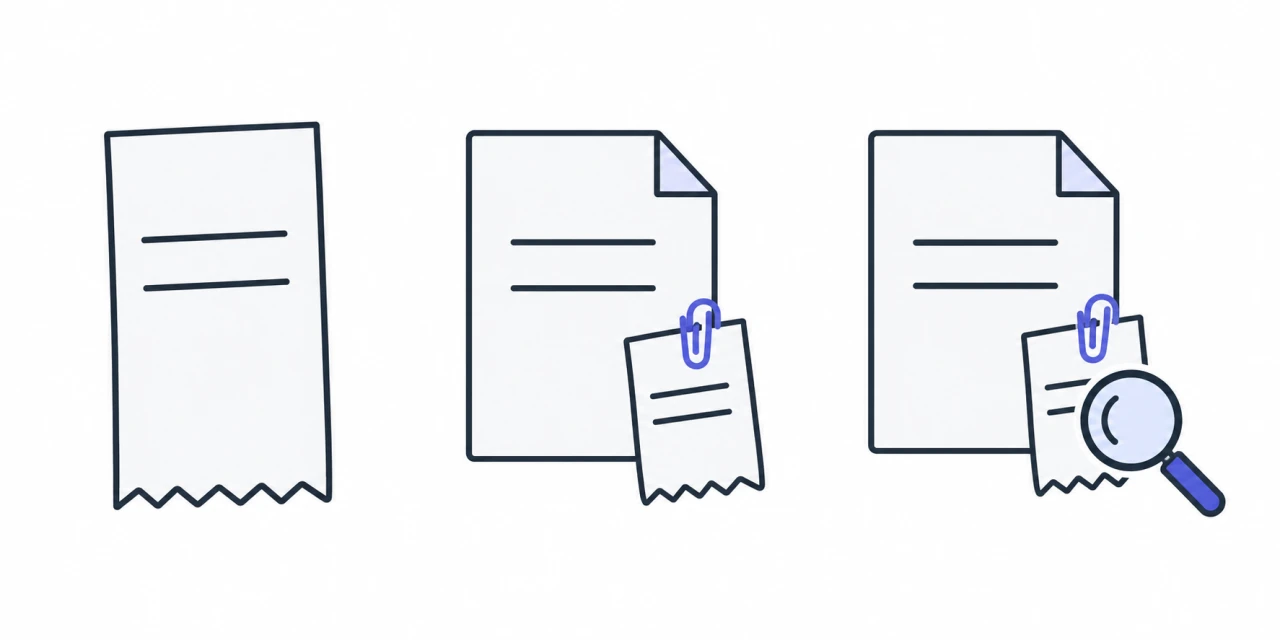
- Capture receipt
- Keep with item
- Find when needed
Other tools, and where they fall short
- General document scanners digitize receipts well but don't track warranties or remind you.
- Cloud storage (Drive, Dropbox, iCloud) keeps files but adds no organization or reminders.
A warranty-specific tracker is the difference between storing a receipt and actually acting on it in time.
Common mistakes to avoid
- Relying on a card statement — it doesn't show product details or warranty terms
- Waiting to scan, until the thermal paper has already faded
- Skipping small purchases — even accessories can carry a warranty
- Forgetting the price-match window
FAQs
Can Best Buy look up a purchase without the receipt? Sometimes, if you used your account or card — but it isn't guaranteed and can take time. Keeping your own copy is safer.
What if my Best Buy receipt has faded? Scan receipts early. AI scanning (as in Slipcrate) can read many receipts, but a badly faded one may need a quick manual correction — which is why you review the details before saving.
Should I keep the paper after scanning? Keep it until the return window closes; after that, a clear digital copy is enough for most warranty claims.
Get started
Pick one place for your receipts and make scanning a habit. If you want that place to track warranties and remind you before they expire, see how the Slipcrate warranty tracker works — or read getting started.
Keep reading
How to Keep Receipts From Fading: 7 Ways to Preserve Them
Thermal receipts fade because the print is made with heat, not ink. Here are seven ways to slow the fading, plus the one fix that makes a receipt last for good.
Oct 11, 2026 · 5 min readReceipts & retailersIRS Receipt Requirements 2025: A Plain-English Guide
What receipts the IRS expects you to keep in 2025, how long to keep them, and why digital copies are fine — plus how to build a simple record-keeping habit. General guidance, not tax advice.
Sep 2, 2025 · 3 min readReceipts & retailersDo I Need to Keep Costco Receipts for Warranty? (2025 Guide)
Costco can look up many purchases through your membership — but for manufacturer warranties, extended coverage, and price adjustments, keeping the receipt still matters. Here's when you need it and how to keep it.
Jun 9, 2025 · 3 min read