
Keep the receipts you'll actually need later
Scan a purchase receipt, attach it to the product, and track the warranty. The day something breaks, the proof is already there. Works in any browser, on your phone or laptop.
No download required · Sign in with Google · Cancel anytime
What makes it different
Receipts for the things you own, not expense reports
Most receipt apps are built for expenses and reimbursement. Slipcrate is built for ownership: proof of purchase, warranties, and finding the receipt when a product fails.
A typical expense app
receipt → transaction → reimbursement
Great for logging spend and getting paid back. Once the expense is filed, though, the receipt's job is done, and nothing is tracking the warranty behind it.
Slipcrate
receipt → product → warranty → expiry → claim
The receipt stays attached to the product as proof of purchase, the warranty and expiry travel with it, and it's all there the day something breaks.
How it works
From a shoebox of receipts to one organized place
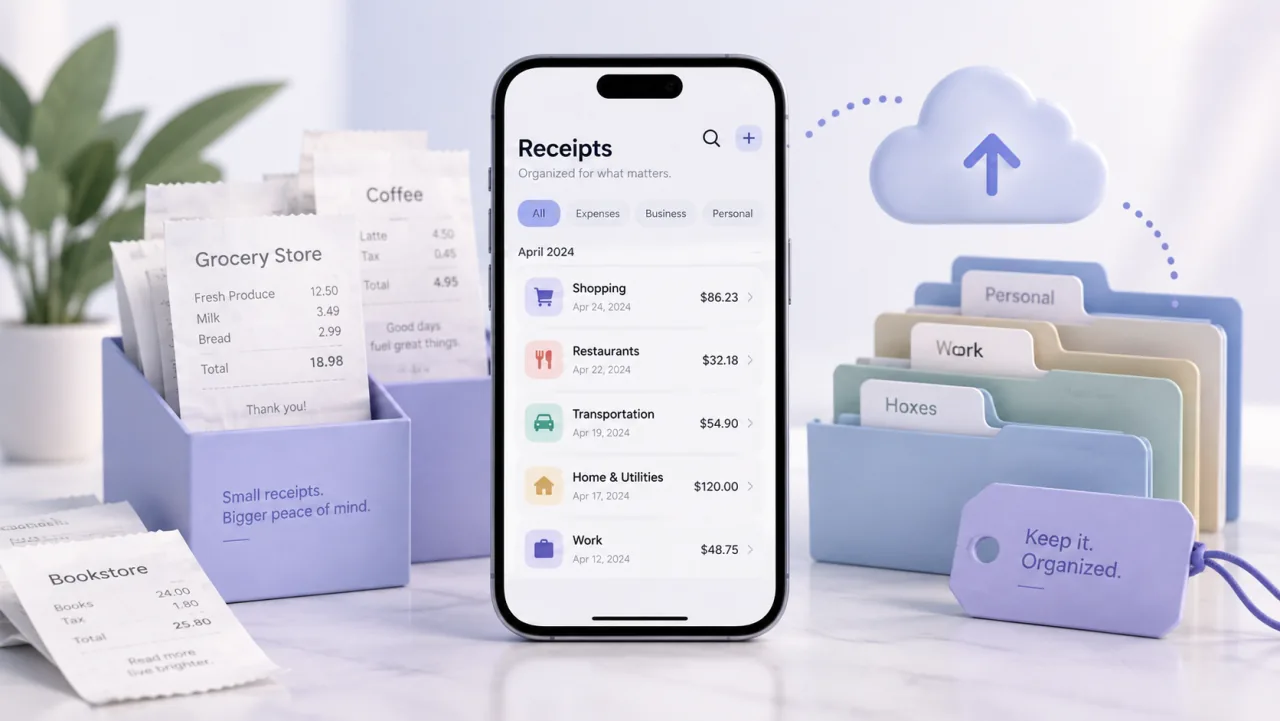
Scan once, and each receipt becomes a searchable record attached to the product it belongs to.
Scan any receipt
Snap a photo of a purchase receipt, paper or digital. No forms to fill in to get started.
Pull out the details
AI reads the brand, product, purchase date, and warranty length. You review and edit before it's saved.
Attach it to the product
The receipt stays with the item it belongs to, so your proof of purchase is right where you'll look for it.
Stored safely, and yours
Receipts are private to your account. View or download the original anytime, or export everything to CSV.
Find any receipt in seconds
Search and filter by product, brand, or category instead of scrolling a camera roll or an inbox.
Track expiry, get reminded
Each product shows when its warranty ends, and expiry dates can sync to your Google Calendar. Optional.
Receipts & reminders
Your receipt and your deadline, handled
The slip that proves your purchase stays attached to the warranty — and the day it expires can land on your Google Calendar automatically.
The receipt stays attached
Your proof of purchase lives with the warranty — view or download the original anytime, even after the paper fades.
The deadline is never hidden
Every warranty shows exactly when it ends, so there are no surprises when something breaks.
Reminders land on your calendar
Connect Google Calendar and Slipcrate adds the expiry with reminders 30, 15, 7, and 1 day before. It's optional, and only touches the events it creates.
Trust & control
Your data stays yours
No ads, no selling your data, no lock-in. Here's exactly how Slipcrate treats your information.
Your receipts stay private
Receipts and warranty data are tied to your account — never shared, never sold. You decide what to store.
Read our Privacy Policy →Calendar sync is optional
Connect Google Calendar only if you want expiry reminders. It only touches the events Slipcrate creates, and you can disconnect anytime.
Export your data anytime
Download every warranty to a CSV file whenever you like. Your records are yours to keep, move, or back up.
Simple Google sign-in
No separate password to manage. Slipcrate uses Google sign-in with identity-only access — not your email, Drive, or files.
Pricing
One plan. Everything included.
Receipt scanning, warranty tracking, secure storage, Calendar sync, and CSV export are all included in the one plan.
Every plan includes
- Warranty tracking & expiry status
- AI receipt scanning (OCR + extraction)
- Receipt storage
- Google Calendar sync
- CSV export
Cancel anytime from Settings · Billed securely via Lemon Squeezy · No free trial
FAQ
Frequently asked questions
Common questions about organizing receipts with Slipcrate.
Start organizing your receipts
Sign in with Google and scan your first receipt in under a minute.